Tartu kaupluse avamisajad on muutunud. Vaata täpsemalt siit.
Kiire tarne
Erinevad maksemeetodid
Turvalised maksed

The ribbon has a fixed position at the top of the page. It is the only content element that contains a H1 headline. Exception are product details pages, where the product name is also H1.
A Ribbon has no formating option/variant.
Kärcher ipsum dolor sit amet, consectetur adipiscing elit. Praesent non diam in ex interdum sodales. Vestibulum ante ipsum primis in faucibus orci luctus et ultrices posuere cubilia Curae; Pellentesque habitant morbi tristique senectus et netus et malesuada fames ac turpis egestas. Fusce vehicula dolor in mauris tincidunt, a laoreet ipsum tempor.
Obviously headlines of the adjacent columns cannot have different styles.
Kärcher ipsum dolor sit amet, consectetur adipiscing elit. Praesent non diam in ex interdum sodales. Vestibulum ante ipsum primis in faucibus orci luctus et ultrices posuere cubilia Curae; Pellentesque habitant morbi tristique senectus et netus et malesuada fames ac turpis egestas. Fusce vehicula dolor in mauris tincidunt, a laoreet ipsum tempor.
Sed eget est ac sapien iaculis varius. Nullam at diam vel metus efficitur auctor. Duis at nisl id nibh tincidunt maximus. Etiam ac justo vel lacus vestibulum semper. Aenean a metus eu ligula blandit finibus. Nam nec arcu vitae sapien pretium tincidunt. Donec eu massa at erat eleifend egestas. In hac habitasse platea dictumst. Sed luctus erat vitae ipsum aliquet, non volutpat tellus feugiat.
Headlines are optional. This Content Element - Text & Multimedia Mix - has a huge variety of use cases.
It can have the elements:
Each of those elements is optional. The button can be differently styled buttons or simply a link, this can be changed in the settings of the content Elements. The caption of button/link will always be the Headline of its content entry. The link itself can easily be set in the content entry. If you want to add links in the text, this is also possible in the rich text editor.
Please be sure to enter a headline when utilizing the button feature.
You have probably notized, that subline/sub headline are not part of the elements of this content elements. It has been designed without subline, so we cannot guarantee proper spacing if you choose to utilize a subline in the Text & Multimedia Mix Element.

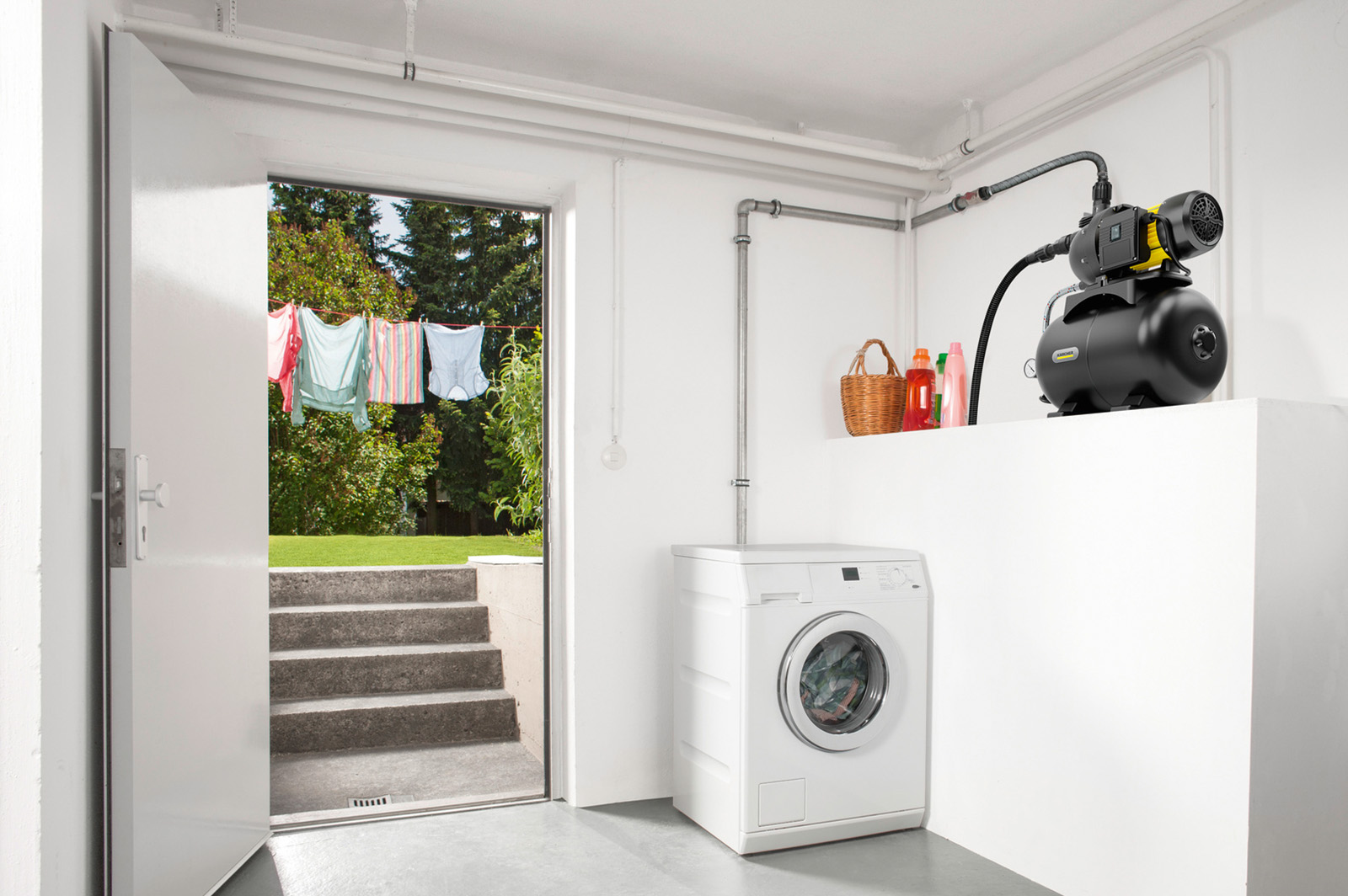
By default the images size is full size and will be displayed on top of the text. I changed the Content Elements style to "primary"
Kärcher ipsum dolor sit amet, consectetur adipiscing elit. Praesent non diam in ex interdum sodales. Vestibulum ante ipsum primis in faucibus orci luctus et ultrices posuere cubilia Curae; Pellentesque habitant morbi tristique senectus et netus et malesuada fames ac turpis egestas. Fusce vehicula dolor in mauris tincidunt, a laoreet ipsum tempor.

By default the images size is full size and will be displayed on top of the text. This Content Elements style is "secondary"
Kärcher ipsum dolor sit amet, consectetur adipiscing elit. Praesent non diam in ex interdum sodales. Vestibulum ante ipsum primis in faucibus orci luctus et ultrices posuere cubilia Curae; Pellentesque habitant morbi tristique senectus et netus et malesuada fames ac turpis egestas. Fusce vehicula dolor in mauris tincidunt, a laoreet ipsum tempor.

If the Content Element has 2 entries both containing Media. The Media remains on top of the text whereas the content elements will be displayed in 2 columns.
Sed eget est ac sapien iaculis varius. Nullam at diam vel metus efficitur auctor. Duis at nisl id nibh tincidunt maximus. Etiam ac justo vel lacus vestibulum semper. Aenean a metus eu ligula blandit finibus. Nam nec arcu vitae sapien pretium tincidunt. Donec eu massa at erat eleifend egestas. In hac habitasse platea dictumst. Sed luctus erat vitae ipsum aliquet, non volutpat tellus feugiat.
By default the images size is full size and will be displayed on top of the text.
Kärcher ipsum dolor sit amet, consectetur adipiscing elit. Praesent non diam in ex interdum sodales. Vestibulum ante ipsum primis in faucibus orci luctus et ultrices posuere cubilia Curae; Pellentesque habitant morbi tristique senectus et netus et malesuada fames ac turpis egestas. Fusce vehicula dolor in mauris tincidunt, a laoreet ipsum tempor.
If the Content Element has 2 entries both containing Media. The Media remains on top of the text whereas the content elements will be displayed in 2 columns.
Sed eget est ac sapien iaculis varius. Nullam at diam vel metus efficitur auctor. Duis at nisl id nibh tincidunt maximus. Etiam ac justo vel lacus vestibulum semper. Aenean a metus eu ligula blandit finibus. Nam nec arcu vitae sapien pretium tincidunt. Donec eu massa at erat eleifend egestas. In hac habitasse platea dictumst. Sed luctus erat vitae ipsum aliquet, non volutpat tellus feugiat.
You can easily change the media position in the settings of the content element.
Kärcher ipsum dolor sit amet, consectetur adipiscing elit. Praesent non diam in ex interdum sodales. Vestibulum ante ipsum primis in faucibus orci luctus et ultrices posuere cubilia Curae; Pellentesque habitant morbi tristique senectus et netus et malesuada fames ac turpis egestas. Fusce vehicula dolor in mauris tincidunt, a laoreet ipsum tempor.

This setting will be applied for all Content Entry of this content Element.
Sed eget est ac sapien iaculis varius. Nullam at diam vel metus efficitur auctor. Duis at nisl id nibh tincidunt maximus. Etiam ac justo vel lacus vestibulum semper. Aenean a metus eu ligula blandit finibus. Nam nec arcu vitae sapien pretium tincidunt. Donec eu massa at erat eleifend egestas. In hac habitasse platea dictumst. Sed luctus erat vitae ipsum aliquet, non volutpat tellus feugiat.
There is a variety of options for the Media position:
Additionally I reduced the media, see the options available below. Ratio always refers to the row width.
Kärcher ipsum dolor sit amet, consectetur adipiscing elit. Praesent non diam in ex interdum sodales. Vestibulum ante ipsum primis in faucibus orci luctus et ultrices posuere cubilia Curae;
Pellentesque habitant morbi tristique senectus et netus et malesuada fames ac turpis egestas. Fusce vehicula dolor in mauris tincidunt, a laoreet ipsum tempor. Sed eget est ac sapien iaculis varius.

Nullam at diam vel metus efficitur auctor. Duis at nisl id nibh tincidunt maximus. Etiam ac justo vel lacus vestibulum semper. Aenean a metus eu ligula blandit finibus. Nam nec arcu vitae sapien pretium tincidunt.

Donec eu massa at erat eleifend egestas. In hac habitasse platea dictumst. Sed luctus erat vitae ipsum aliquet, non volutpat tellus feugiat. Quisque id odio a mi vestibulum dignissim. Integer sed tellus vel libero pharetra lobortis.
You notice, that for the use case above, it is beneficiary to use media of the same height.
As you can see below, removing headline and text - so only filling in the media files, gives you a simple image gallery
The media slider you can see below is of course a better utility for displaying multiple pictures. I can be set to auto play or to manual mode.